
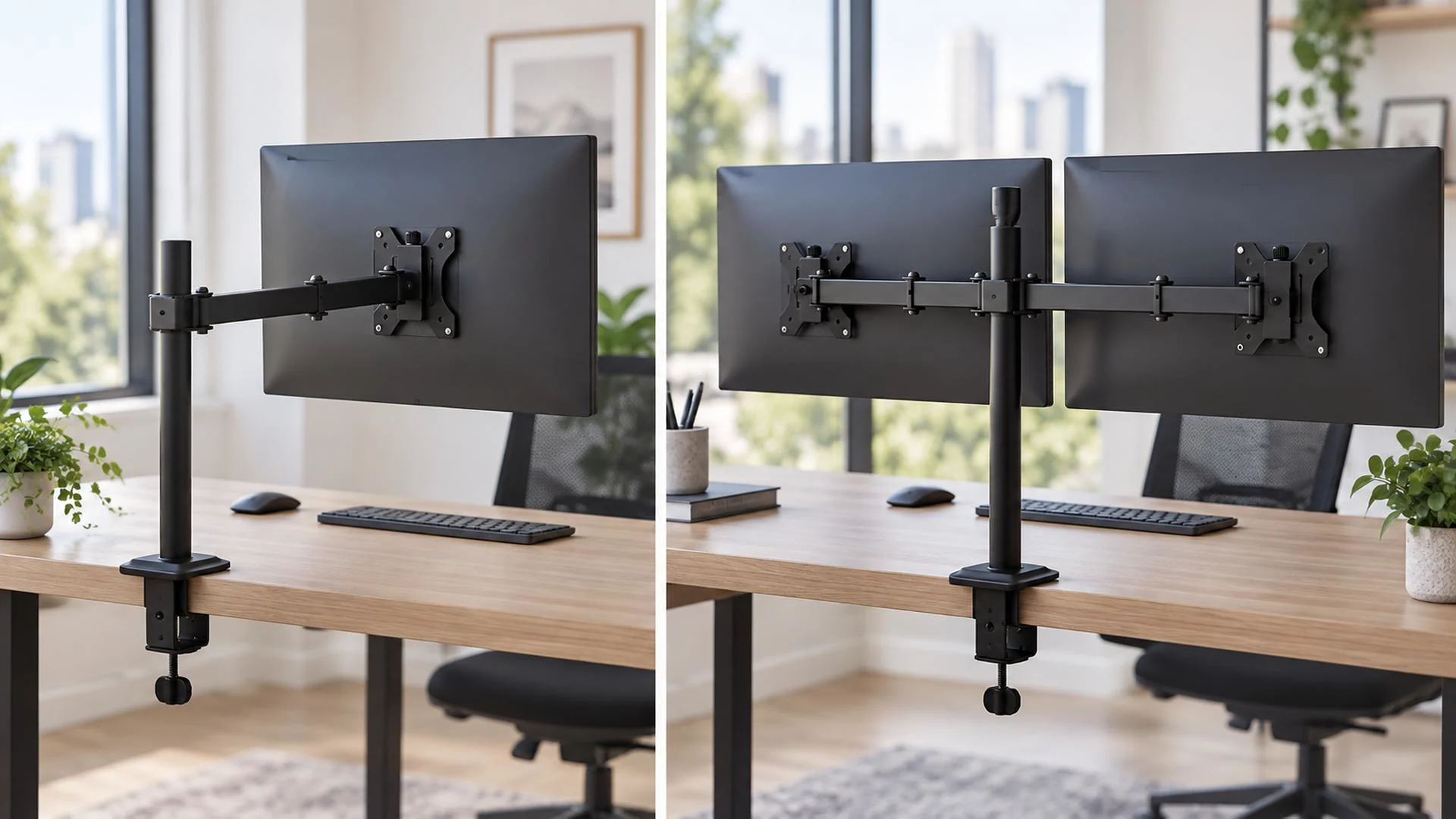
Choosing between a single and dual monitor arm appears simple: one arm for one display and a dual arm for two. In practice, the better choice depends on the user’s workflow, monitor specifications, desk size, adjustment needs, and plans for future upgrades.
A single display can provide a focused workspace. Two displays make it easier to compare information or work across applications. For retailers, a clear single vs dual monitor arm comparison helps customers choose correctly and supports meaningful steps between entry-level and professional solutions.
Single vs. Dual Monitor Arms at a Glance
| Consideration | Single monitor arm | Dual monitor arm |
| Best suited to | Focused work with one display | Multitasking across two displays |
| Desk attachment | One mounting point | Usually one shared mounting point |
| Screen adjustment | Simple and independent | Depends on whether both arms adjust independently |
| Cable management | Fewer cables to route | Requires planning for two power and signal cables |
| Compatibility | One screen to match | Both screens and per-arm capacity must be checked |
| Typical users | General office, home office, reception | Finance, coding, design, customer service, data work |
| Retail position | Broad-entry and premium single-screen options | Higher-function professional workspace option |
The table is only a starting point. Two different monitors may suit separate single arms, while matching displays may suit the cleaner installation of a dual arm.
When Does a Single Monitor Arm Work Best
A single monitor arm is practical for employees whose work stays mainly within one application. Writers, administrators, reception teams, and general office users may gain more from positioning one display correctly than from adding a screen they rarely use.
Single arms offer several practical advantages:
- Straightforward installation:Only one VESA plate, weight range, and cable route must be managed.
- Independent positioning:The display moves without interference from a second arm.
- Upgrade flexibility:Another arm can be added later if the desk permits it.
- Mixed setups:One arm can hold the main monitor while a laptop uses a separate riser.
A single arm can also suit a larger monitor when one properly rated support is preferable. Compatibility still depends on display weight without the stand, VESA pattern, depth, and the arm’s capacity. Retailers can offer a basic model for accessible adjustment and a gas-spring model for smoother repositioning.
When Does a Dual Monitor Arm Work Best
A dual monitor arm supports work in which two sources of information need to remain visible, for example:
- Finance: spreadsheets and reporting software
- Development: code and documentation or testing tools
- Design: a canvas and reference assets
- Customer service: a service platform and customer information
- Management: a video call and notes or documents
The benefit is reducing the need to repeatedly minimize and rearrange windows. A dual arm can also remove two factory bases from the desk. OSHA recommends placing the primary monitor directly in front of the user. Equally used screens can sit close together; a secondary screen should be angled inward rather than placed flat and far to one side.
One Dual Monitor Arm or Two Single Arms
Customers using two screens have another decision: one dual monitor arm or two separate single arms.
Advantages of One Dual Arm
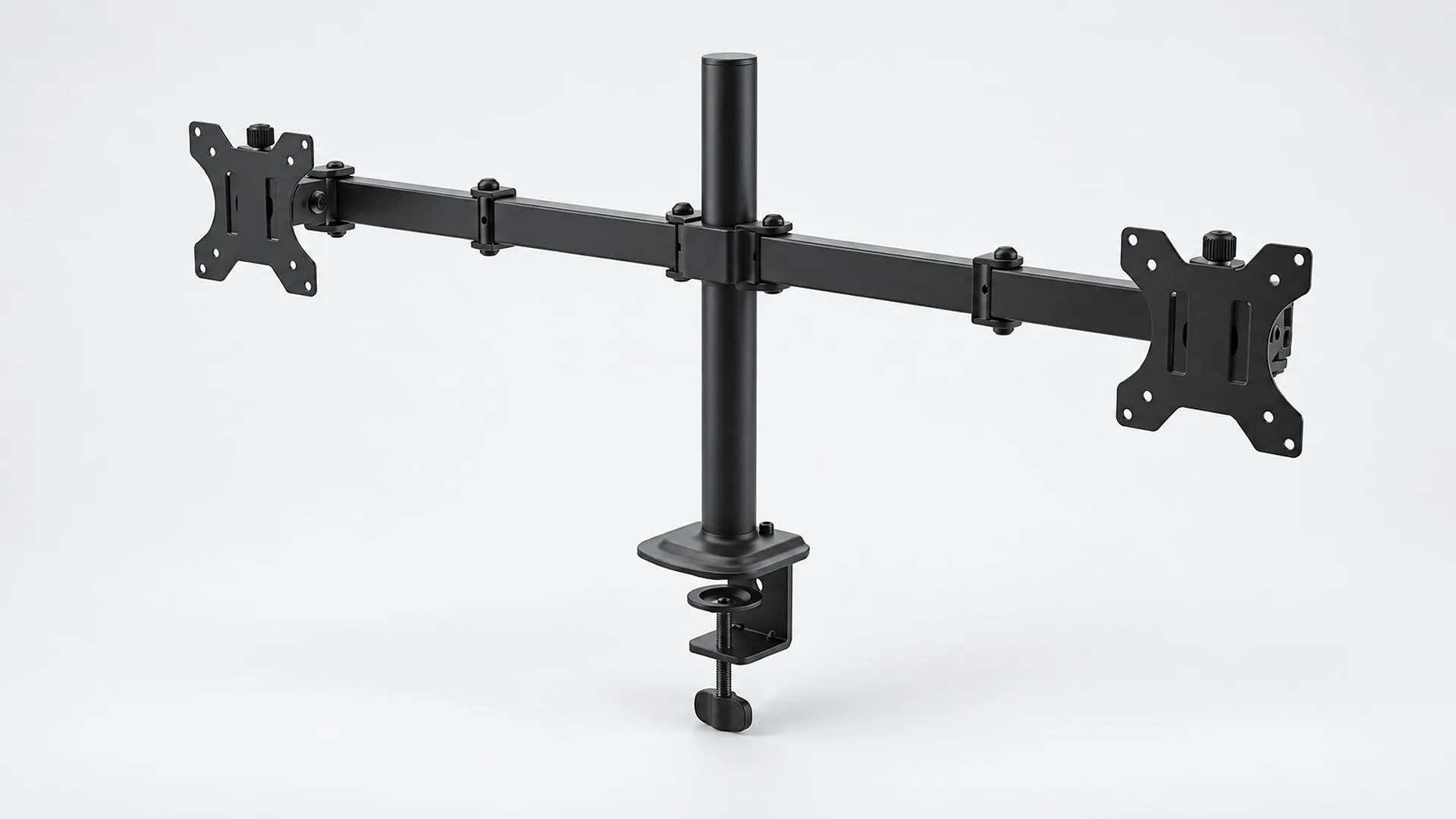
A dual arm normally uses one attachment, creating a coordinated appearance for two similar screens. However, both arms share the base and must fit within its reach and load limits. Large displays may contact each other, and some designs offer less independent placement.
Advantages of Two Single Arms
Two single arms provide independent positions for displays with different sizes, weights, or orientations. The trade-offs are another desk attachment, more cable routing, and potentially higher cost.
Neither option is universally superior. Match the solution to the customer’s monitors and layout to reduce compatibility-related returns.
Which Dual-Screen Layout Is Best
Side by Side
Side-by-side placement suits general office work, document comparison, and communication tools. The primary screen normally sits directly in front, with the second angled inward. It requires enough desk width and arm reach; independent height adjustment helps align mixed displays.
Stacked
A stacked layout saves horizontal space and can suit narrow desks, dashboards, or video editing. The upper screen should not force repeated upward neck movement, and the combined load makes compatibility especially important.
One Landscape and One Portrait
A portrait screen is useful for documents, coding, and messaging while a landscape screen remains primary. It requires enough rotation and spacing to avoid collisions and demonstrates the value of full-motion arms.
What Should Buyers Check Before Choosing
Before purchasing either type, record the following information:
- Number and model of displays
- Weight of each monitor without its original stand
- VESA pattern on each display
- Screen width, depth, and any curved shape
- Desk thickness, construction, and available mounting area
- Desired layout and viewing position
- Required height, extension, tilt, swivel, and rotation
- Cable length and connection position
For a dual arm, capacity is generally specified per arm. Both screens must fit their individual ranges, and the desk must support the combined weight and leverage.
NBMounts supplies monitor mounts for common office screens, including models with VESA compatibility up to 100 x 100 mm. Confirm the exact specifications of each model.
How Retailers Can Build a Clearer Product Range
A retail assortment needs clear choices, not dozens of nearly identical models. A practical structure may include:
- Basic single arm:For general office users and price-sensitive projects
- Full-motion single gas-spring arm:For flexible workstations and frequent adjustment
- Standard dual arm:For two matching office displays and mainstream multitasking
- Independent dual gas-spring arm:For users needing more positioning flexibility
- Higher-capacity option:For heavier displays, subject to verified specifications
Product pages should show VESA patterns, weight range, screen guidance, desk-thickness range, mounting methods, and adjustments. Clear compatibility information helps reduce wrong purchases and returns.
The Right Choice Starts with the Workflow
A single arm suits a focused workstation. A dual arm is valuable when two screens support daily tasks, while separate single arms can suit significantly different displays. Distributors should offer a logical progression in which every model has a clear use case.
NBMounts supports international retail and distribution partners with monitor-mount product selection, OEM and ODM development, private-label packaging, and wholesale supply. Contact our team to discuss the right single- and dual-monitor assortment for your market.
Plan Your Single and Dual Monitor Arm Assortment
Ready to offer clearer choices to office buyers? Browse NBMounts monitor mounts, then contact us with the screen sizes, weight ranges, desk types, and price tiers your customers need. Our team can help identify suitable single and dual options and discuss wholesale supply, branding, and packaging for your market.
FAQ
1. Is a dual monitor arm better than a single monitor arm
Not automatically. A dual arm is useful when the user regularly works across two screens. A single arm is often simpler and more flexible for users who work mainly on one display. The correct choice depends on workflow, monitors, desk, and positioning needs.
2. Is one dual monitor arm better than two single arms
One dual arm provides a cleaner shared mounting point and can be cost-effective for two similar screens. Two single arms offer more independent placement and may suit monitors with different sizes or weights. Desk space and mounting positions must also be considered.
3. Can two different monitors be used on a dual monitor arm
Yes, if each monitor fits the per-arm weight range and VESA compatibility, and if the arm provides enough independent height and position adjustment. Large differences in dimensions may make visual alignment more difficult.
4. What is the best dual-monitor layout for office work
Side-by-side is suitable for most general office workflows. Stacked displays can save horizontal space, while a landscape-plus-portrait setup is useful for documents, coding, and communication. The primary screen should remain in the most natural viewing position.
5. What information should retailers show on a monitor-arm product page
Show the per-screen weight range, compatible VESA patterns, recommended screen sizes, desk-thickness range, clamp and grommet options, adjustment range, cable-management features, and clear installation images.